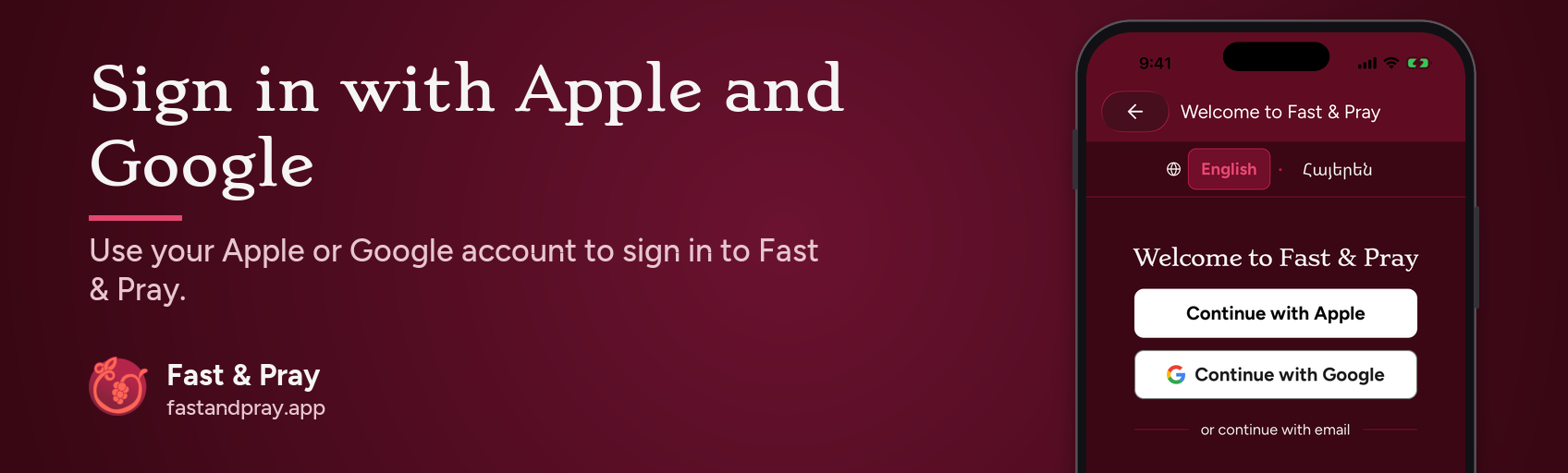
Sign in to Fast & Pray with Apple or Google
11/21/2026
Fasting is better kept together. We want the step from “I’d like to fast with my parish” to “I’m in” to be as small as we can make it. So Fast & Pray now lets you continue with Apple or Google, with no new password to invent.
What’s new
- On the welcome screen, where you sign in, create an account or join a fast, tap Continue with Apple (iPhone and iPad) or Continue with Google (iPhone and Android). Email and password still work, under “or continue with email”.
- Apple or Google confirms who you are, and our server checks that confirmation before your account is created or opened.
- If you cancel, nothing changes. You stay on the same screen.
- If you were about to join a fast, you pick up where you left off and join once.
- Already have an account? We encourage you to connect Apple or Google to it. If the email matches, sign in as usual first, then connect, and you can use whichever way is easiest.
- Under Me, then Settings, then Sign-in methods, you can connect or remove Apple or Google. You cannot remove your only way to sign in.
Why it matters
Joining a fast together is the heart of the app. A shorter path in means more time for what the fast is for: prayer, and keeping the Church’s fasts and feasts alongside your parish and the wider community.
If you would like to join us, update to the latest version of Fast & Pray. It is free at fastandpray.app.